Licensing & Sign-In
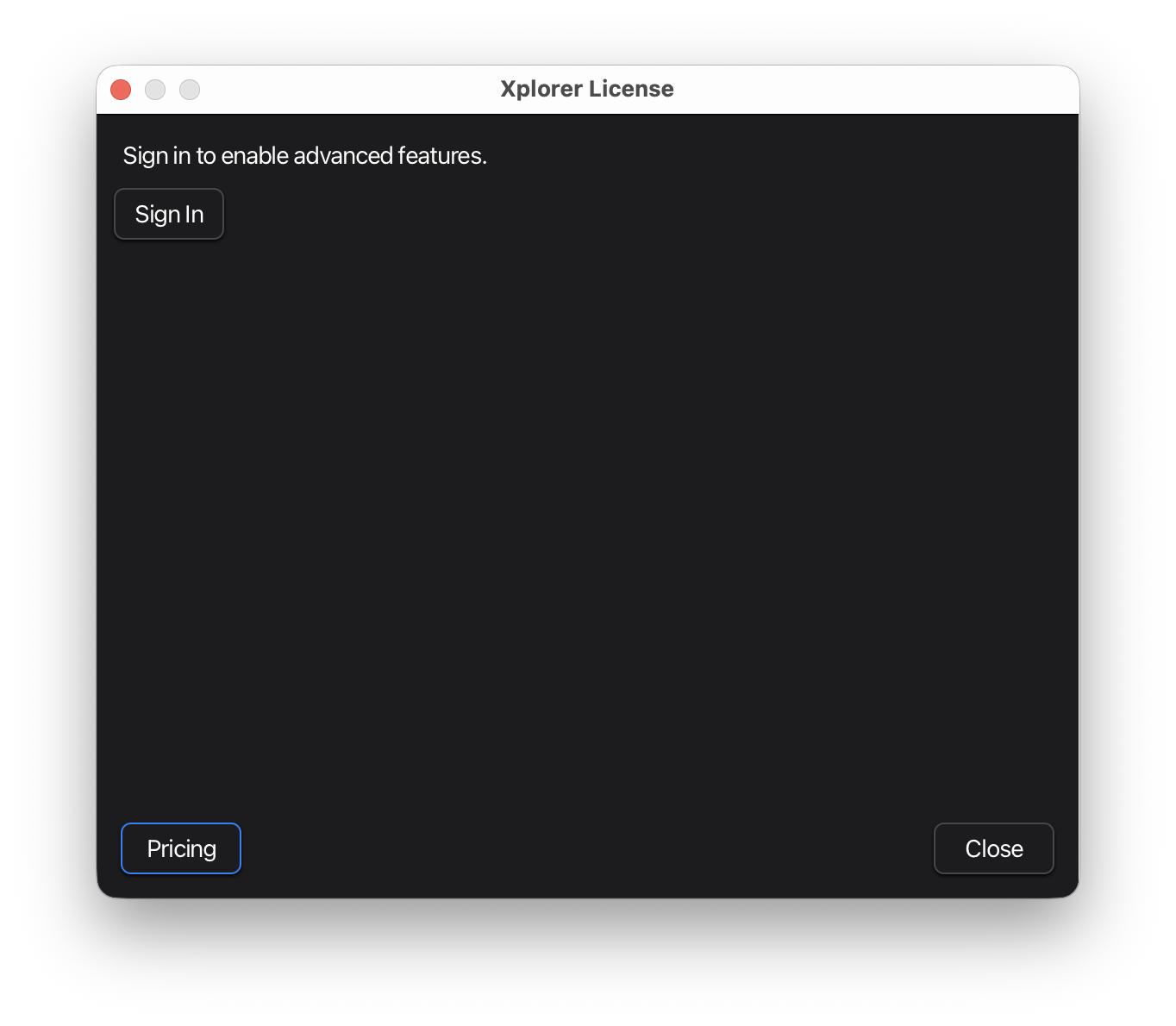
Sign in to Xplorer to unlock advanced features and access your subscription benefits.
Features Requiring Subscription
The following features require an active Xplorer subscription:
| Feature | Description |
|---|---|
| Recording API Requests | Capture browser API traffic and export as AI prompts or curl |
| Browser Agent Server | LLM-driven browser automation via HTTP API |
| OpenAPI “Try It” | Execute API requests directly from OpenAPI spec |
| Karate Runner | Run Karate test files with real-time output |
Core Xplorer features (collections, environments, importing) are available without sign-in.
Signing In
- Open Help > License from the menu bar
- Click Sign In
- Your browser opens to the Karate Labs sign-in page
- Complete sign-in (create account or log in)
- Copy the session-id displayed after sign-in
- Return to Xplorer, paste the session-id into the field
- Click Apply
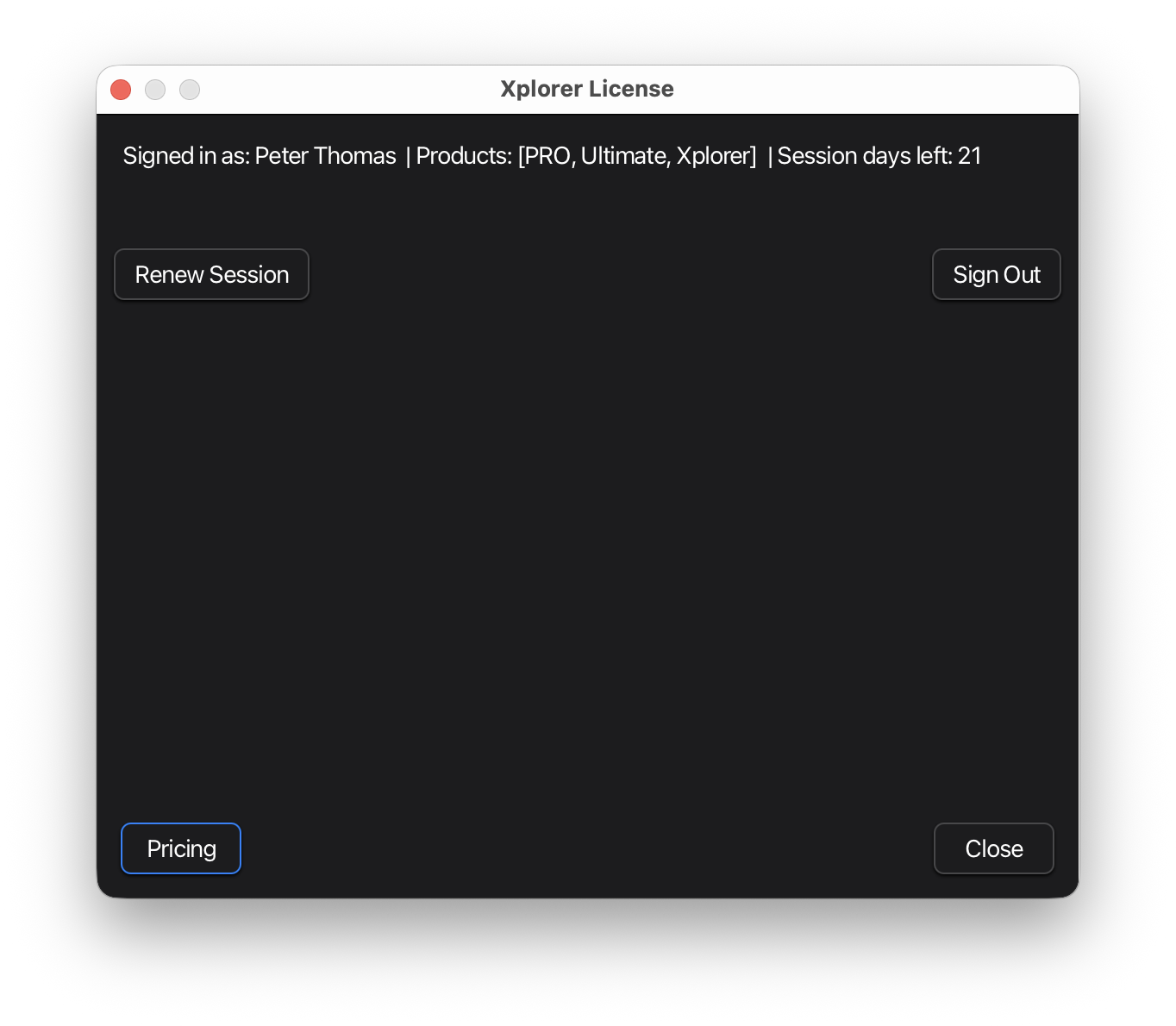
Once signed in, the dialog shows your account information.
Session Status
After signing in, the license dialog displays:
- Signed in as: Your account email or username
- Products: Your subscription tier
- Session days left: How long until you need to renew
Renewing Your Session
Sessions expire periodically for security. To renew:
- Open Help > License
- Click Renew Session
- Wait for confirmation
Renewal happens automatically if you have an active subscription. No need to sign in again.
Signing Out
To sign out of Xplorer:
- Open Help > License
- Click Sign Out
This clears your credentials from the local machine.
Offline License
For environments without internet access:
- Open Help > License
- Click Offline License
- Note the unique code displayed
- Contact support with your unique code to request an offline license
- Enter the license text provided by support
- Click Apply
Offline licenses are tied to your machine and don’t require internet connectivity.
Pricing
View subscription options and pricing at karatelabs.io/pricing.
Troubleshooting
“Session expired” error
Click Renew Session to refresh your session. This requires an active subscription.
Sign-in page doesn’t open
Check that your default browser is set correctly in your system preferences.
Can’t paste session-id
Make sure you copied the complete session-id from the web page. It should be a long string of characters.
Offline license not working
Verify that:
- The license text was entered completely (no missing characters)
- The license matches your machine’s unique code
- The license hasn’t expired
Next Steps
- Recording API Requests - Capture API traffic from browser interactions
- Browser Agent Server - LLM-driven browser automation